Challenge Description
Challenge type and supplied files.
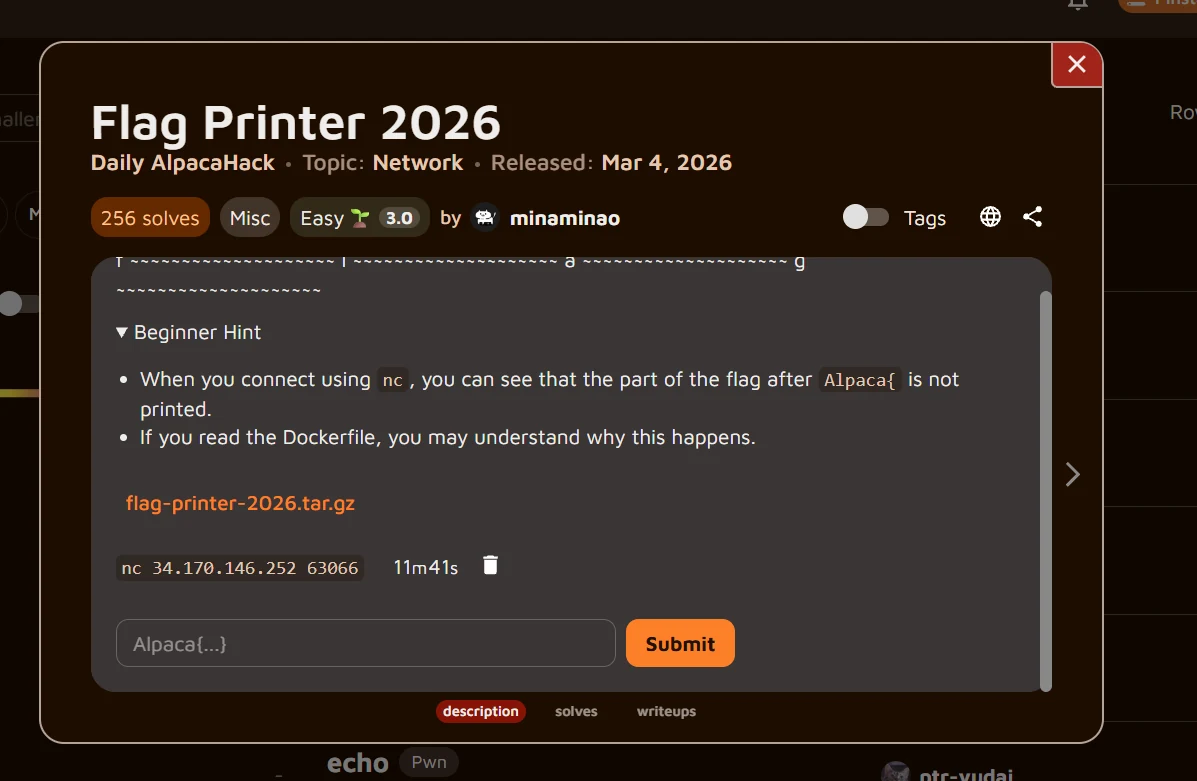
Flag Printer 2026 is an easy Misc/Network challenge from Daily AlpacaHack. The archive contains server.py, Dockerfile, and compose.yaml. The goal is to recover the complete flag from a slowly printing TCP service.
Recon / Initial Analysis
The partial output and the timeout clue.
A normal netcat connection prints only Alpaca{ and then closes. The Python code prints one character at a time and sleeps i seconds after character i. The Dockerfile reveals the missing clue: socat runs with -T5, a five-second inactivity timeout.
Technical Analysis
Why socat closes the connection.
After printing the opening brace at index 6, the server sleeps for six seconds, exceeding the five-second timeout. The useful observation is that socat counts incoming bytes as activity even though server.py never reads stdin. Periodic input therefore resets the timeout.
import time

flag = "Alpaca{????}"
assert len(flag) == 12

for i, c in enumerate(flag):
    print(c, end="", flush=True)
    time.sleep(i)
FROM python:3.14.3
WORKDIR /app
RUN apt-get update && apt-get install -yq socat
COPY server.py .

CMD ["socat", "-T5", "tcp-listen:1337,fork,reuseaddr", "exec:'python server.py'"]
Solution
Keep the connection alive and read the complete flag.
Send ping every two seconds through the same netcat connection. Each ping keeps socat active while the delayed output remains readable, allowing the full flag to arrive.
$ while true; do
  printf 'ping\n'
  sleep 2
done | nc 34.170.146.252 63066
Alpaca{cut3}Flag
The verified result recovered from the live service.
Alpaca{cut3}