Challenge Description
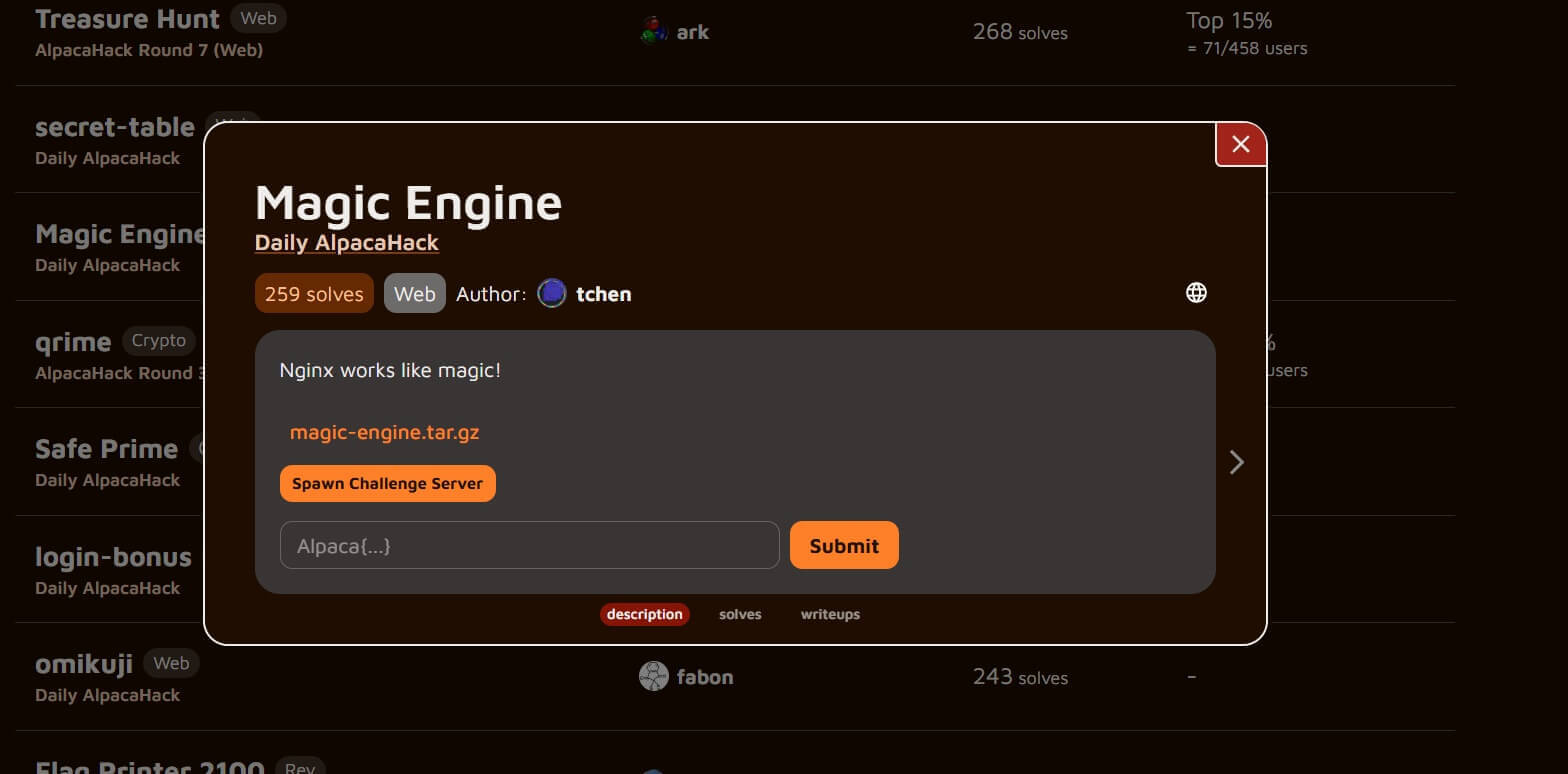
Nginx works like magic!
We are given the challenge page and the source code of the nginx setup.
Solving
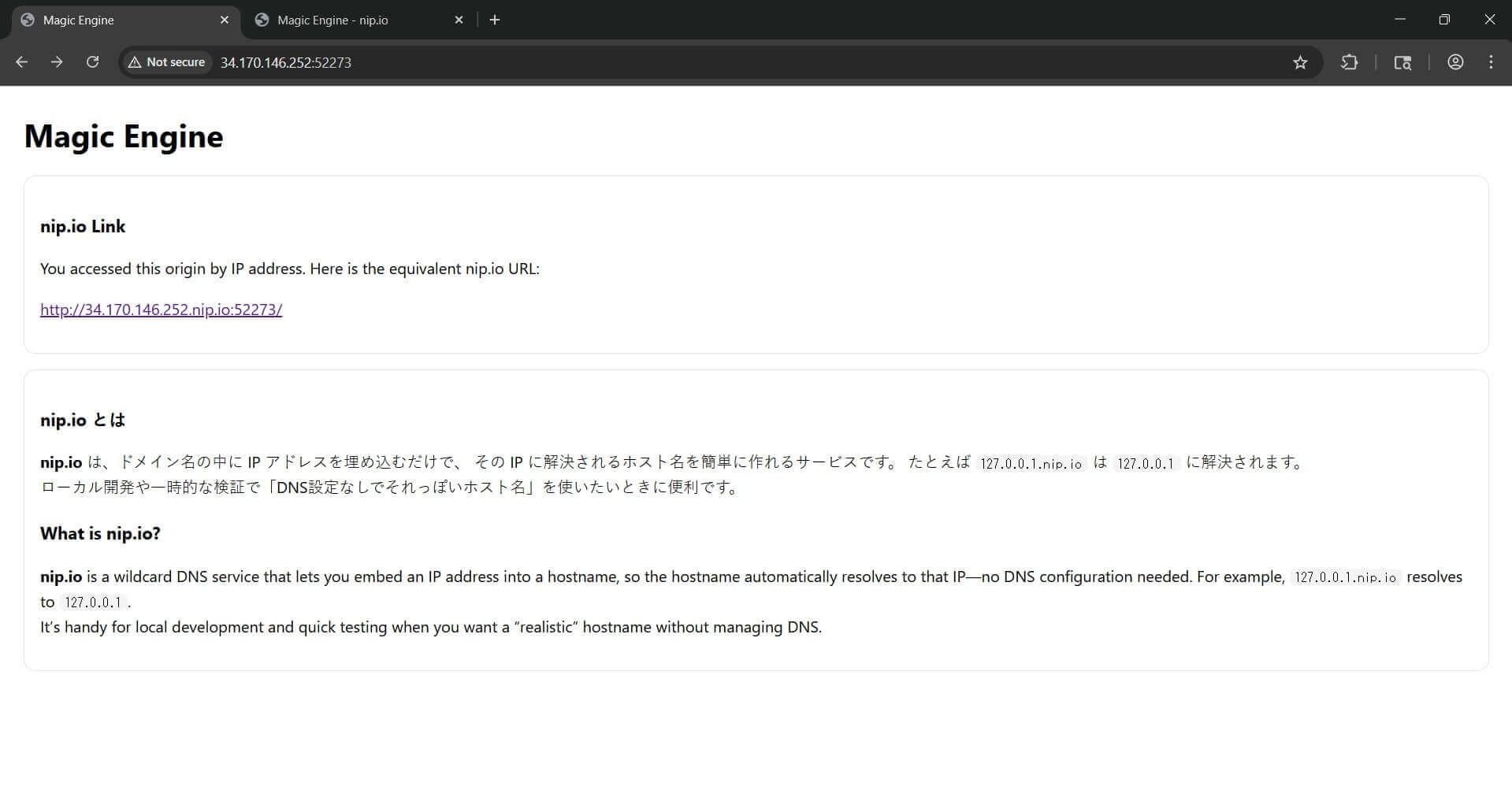
First we open the spawned challenge server by the raw IP address. On that first page, the site gives us a *.nip.io link.
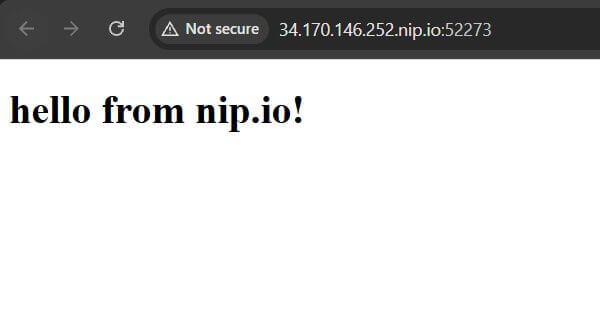
After we enter on that *.nip.io URL, we get the page that says hello from nip.io!.
Now we check the nginx source code. We can see that there are three different server blocks.
server {
    listen 80;
    server_name admin.alpaca.secret;

    root /usr/share/nginx/html;

    location = / {
        try_files /secret.html =404;
    }
}

server {
    listen 80;
    server_name *.nip.io;

    root /usr/share/nginx/html;

    location = / {
        try_files /hello.html =404;
    }
}

server {
    listen 80 default_server;
    server_name _;

    root /usr/share/nginx/html;

    location = / {
        try_files /index.html =404;
    }
}
We can also see in the files that there is a secret.html page inside the web root.
magic-engine/nginx/html/secret.html
On the *.nip.io host, only the exact path / is handled by this rule:
location = / {
    try_files /hello.html =404;
}
This means the homepage is forced to show hello.html, but other files from the same web root can still be accessed directly.
So the correct solve is: first enter by the initial IP, then open the given *.nip.io link, and on that *.nip.io page change the path from / to /secret.html.
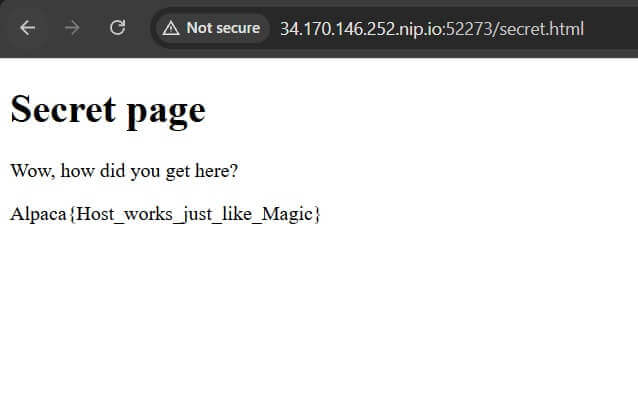
After changing the URL on the *.nip.io site, the server returns the secret page and we get the flag.
Intended Solution
I think the intended solution was about nginx virtual host routing.
From the source code we can see this server block:
server {
    listen 80;
    server_name admin.alpaca.secret;

    root /usr/share/nginx/html;

    location = / {
        try_files /secret.html =404;
    }
}
This means if we send a request with the host admin.alpaca.secret, nginx should use this block and the root page should return secret.html.
So the intended idea was most likely to change the Host header to admin.alpaca.secret with Burp Suite or curl.
curl http://TARGET_IP:PORT/ -H "Host: admin.alpaca.secret"
In Burp, after changing the host header to admin.alpaca.secret, the response gives the secret page and the flag.
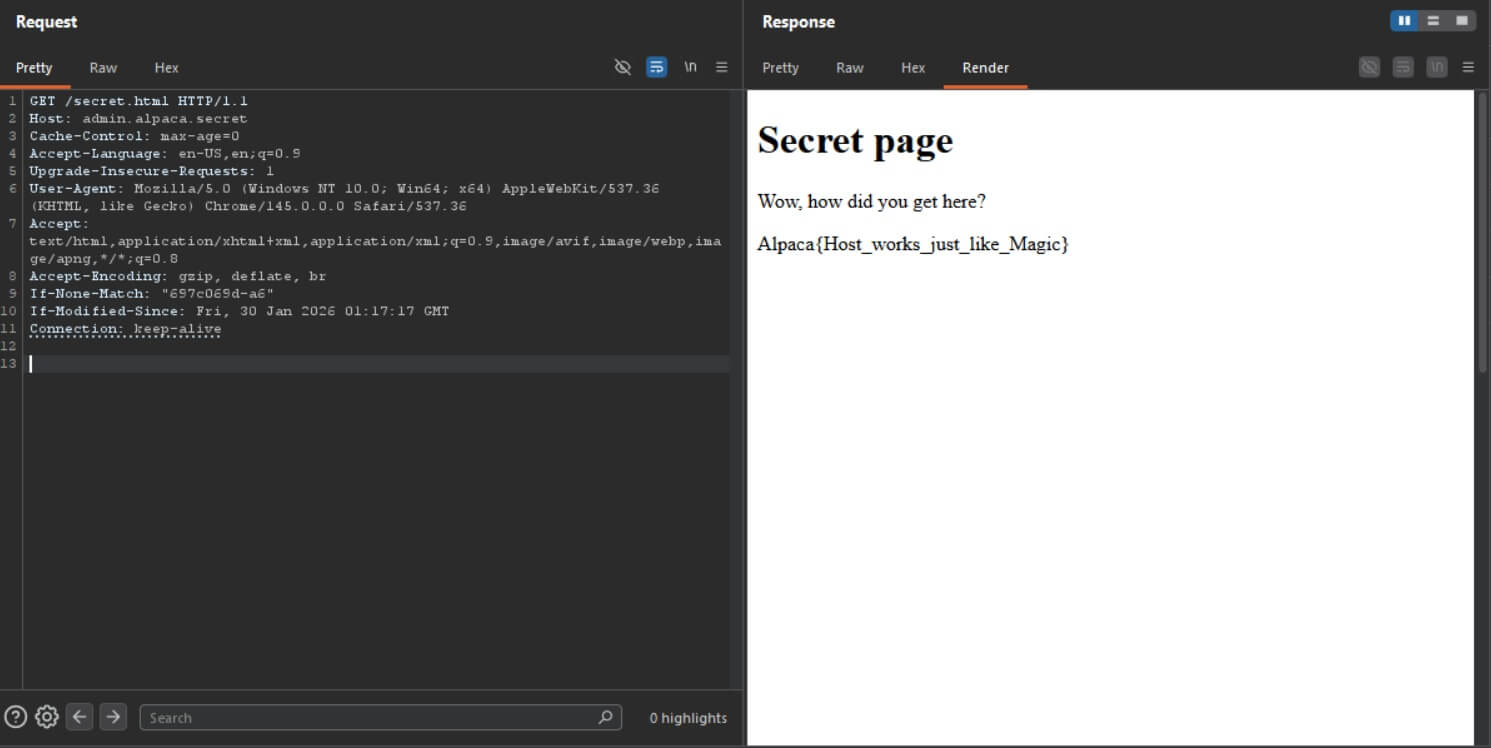
So my solve was by directly opening /secret.html on the *.nip.io host, but the intended solution looks like host header based routing.
Flag
Alpaca{Host_works_just_like_Magic}